
Shared operations
Bittrees Workflows
Your work across Bittrees, within your role.
- For
- Bittrees contributors, operators and administrators
- Access details
- Ethereum or email sign-in; role-scoped workflow visibility
- Purpose
- Work & communication
On this page
A private workflow hub
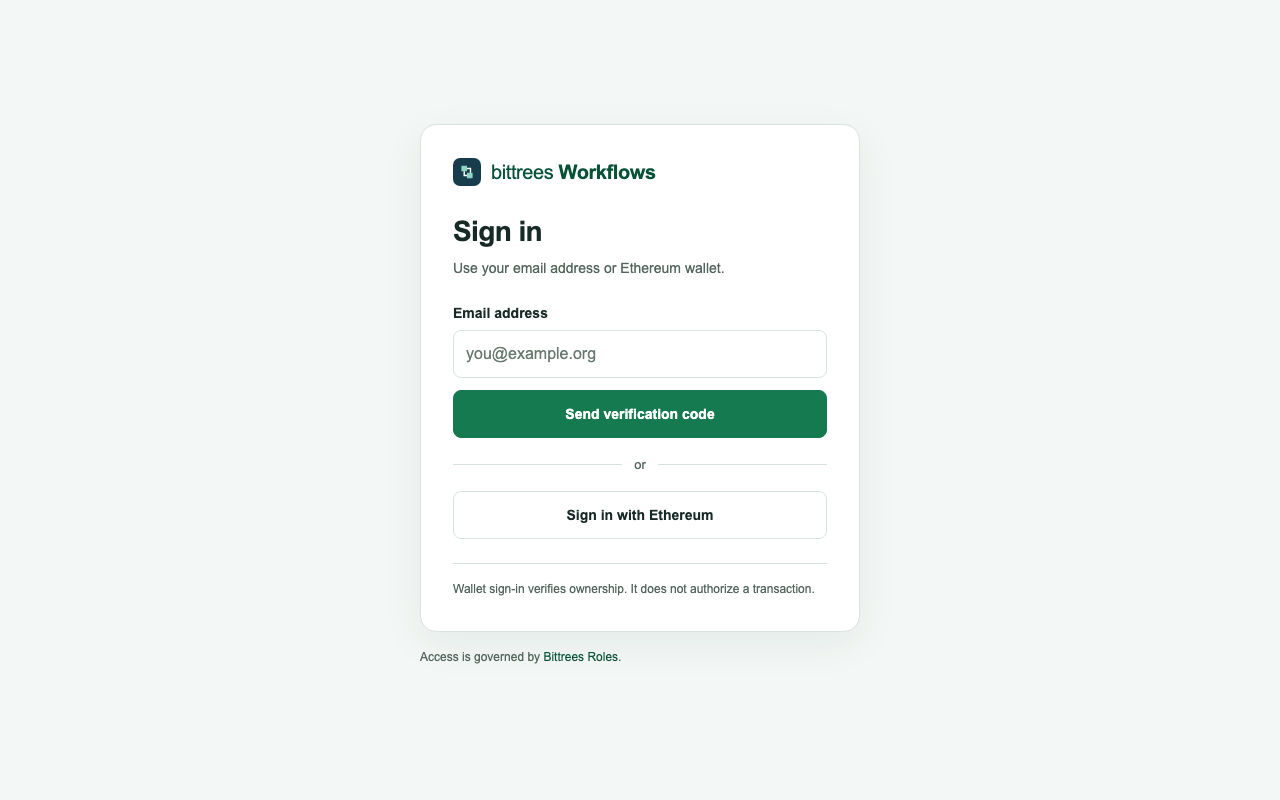
Bittrees Workflows requires Ethereum wallet or email-code sign-in before showing its registry. Current permissions from the central Bittrees Roles authority determine which workflows are returned to each user. Public visitors see the sign-in entrance, and the directory does not publish private workflow names, steps or execution records.
Visibility follows the role
Members see workflows tied to their exact project-role permissions. Project administrators can see the workflows and role definitions within their project. A Bittrees partner permission allows ecosystem-wide viewing, while workflow administration is a separate grant. A shared role label in another project does not extend someone’s access.
Processes and execution
Authorized users can inspect process steps, responsible roles and the distinction between automated and human-managed work. Hub-managed workflows have durable run tracking and scoped controls. Source-owned processes hand off to the owning website, whose native permissions and execution controls remain in force. Source-owned schedules and private execution history remain with their original service; listing a process here does not automatically import its history or control its schedule.
Authority and sign-in
Ethereum sign-in proves control of a wallet. Email sign-in uses a short-lived verification code. Verified identity links maintained in Roles can share eligible role access, while wallet-required grants continue to require the wallet. Role assignment and administrator activation use the existing controller-approved policy process; signing in itself creates no role or permission.
A good place to start
Sign in with your Ethereum wallet or registered email. If no workflows appear, review your project-role assignments in Roles.