
Relationships & shared work
Bittrees CRM
Keep the people, opportunities and work in the same conversation.
- For
- Teams, project coordinators and relationship managers
- Access details
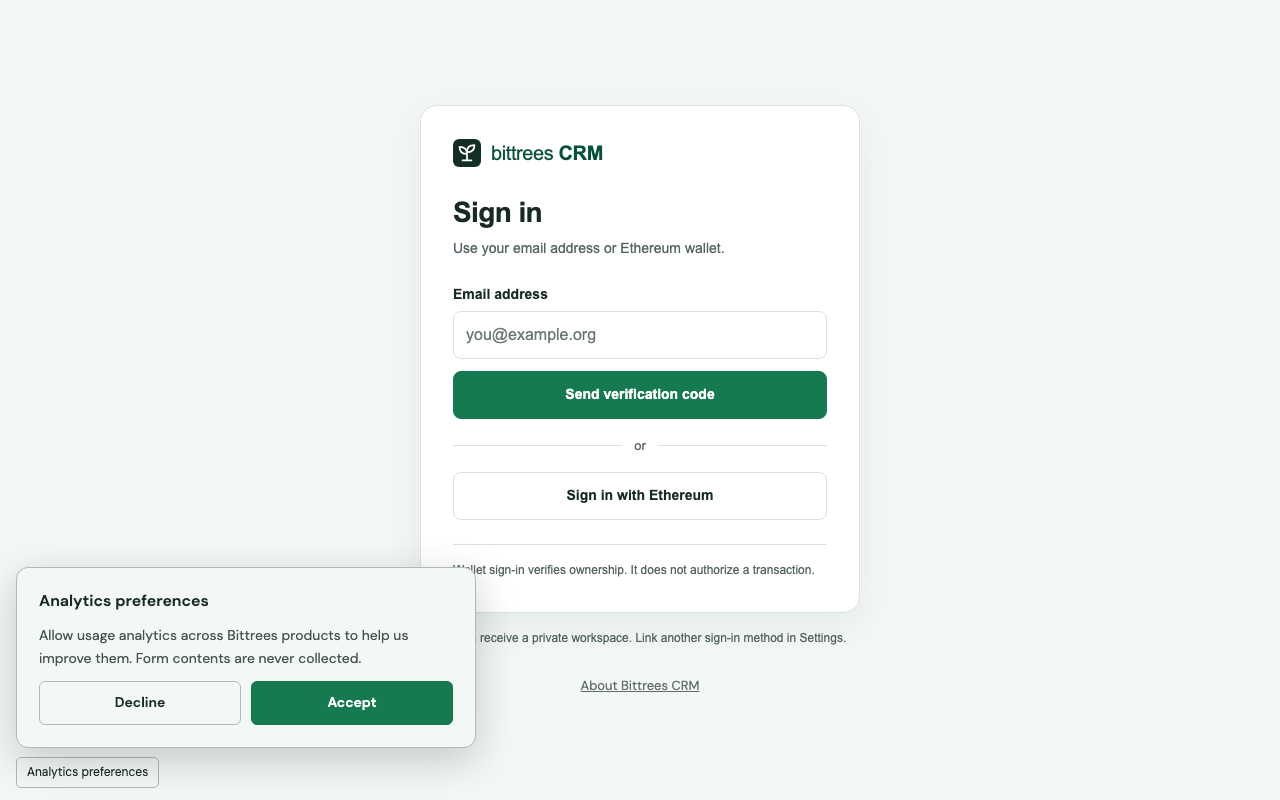
- Email or Ethereum sign-in
- Purpose
- Business tools
On this page
Purpose
Bittrees CRM gives a team a shared memory of the people it works with and the commitments that follow. Contacts and organizations sit alongside opportunities, projects, tasks and notes, so a conversation can become a next step without losing its context. The emphasis is on practical coordination: knowing who is involved, what has happened and what needs attention.
The product
The workspace includes pipeline views, search, follow-ups, activity timelines and reports. Teams can organize opportunities by stage, connect tasks to relationships and keep notes with the records they describe. CSV import and export help move existing information into and out of the product, while ownership and workspace permissions make shared work easier to manage.
Community and collaboration
New users receive a private workspace. Owners can invite collaborators and assign owner, editor or viewer access, allowing a small team to build a useful shared record without making every item public. This makes the product relevant to partnerships, community operations and project delivery as well as conventional sales activity.
Integration and reach
Email verification and Ethereum wallet sign-in are alternative ways into the same product; a verified user can explicitly link both methods. Optional email follow-ups connect the workspace to everyday communication, and exports keep records portable. CRM works independently of other Bittrees applications: being listed in this ecosystem does not automatically share its contacts or private notes with another site.
A good place to start
Read the public product overview, then sign in and begin with a contact, an organization and a next task. Invite collaborators when you are ready to share the workspace.