
Product understanding
Bittrees Insights
Understand how people find and use the products you build.
- For
- Product owners and authorized analysts
- Access details
- Invite-only analytics workspace
- Purpose
- Business tools
On this page
Purpose
Bittrees Insights brings product traffic and engagement into a shared analytics workspace. Its value is in connecting a team’s questions to observable use: where visits come from, which pages attract attention and which interactions help people move through a product. It supports improving the experience of a community without turning the directory itself into an analytics dashboard.
The product
The interface groups connected products, traffic overviews, interactions and administration. Authorized viewers can examine pages, sources, estimated active time, button and link activity, and journeys through a site. Product owners can use that information to investigate confusing navigation, understand discovery and decide where a closer qualitative review is needed.
Community and access
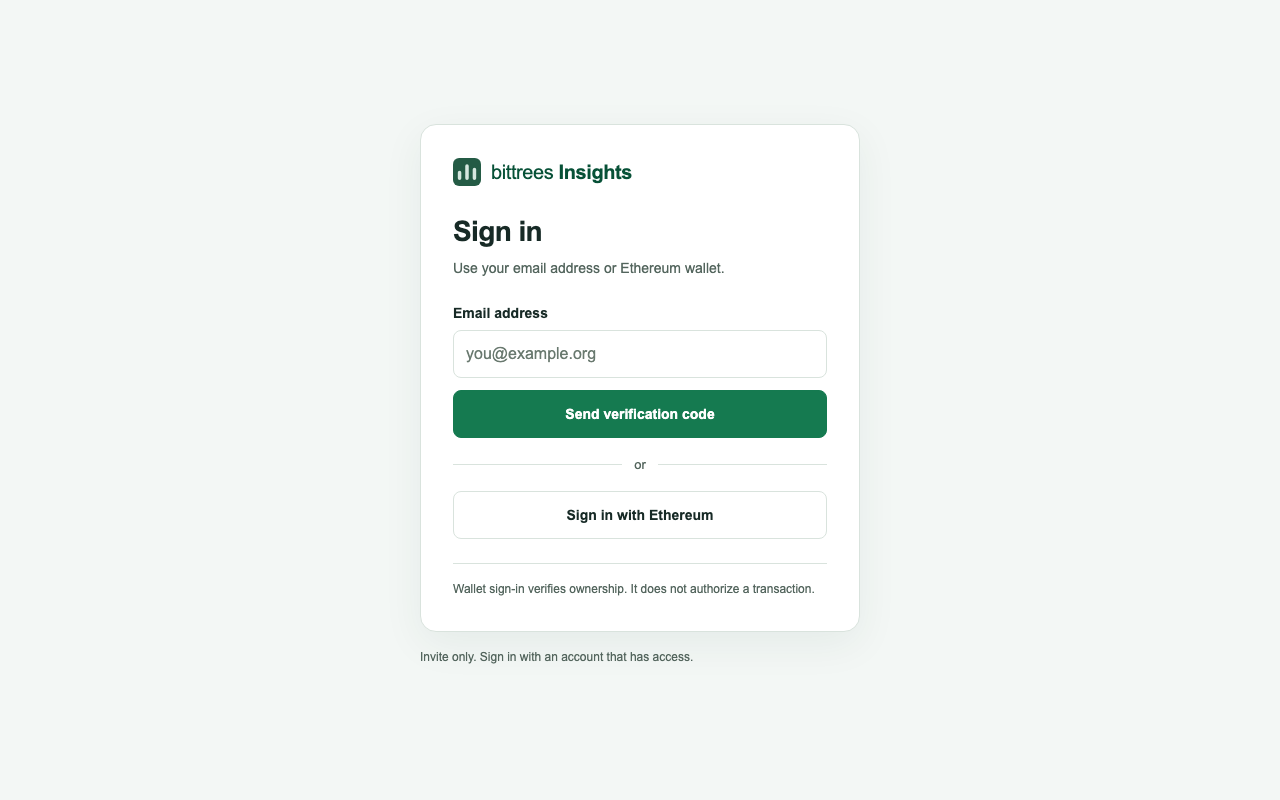
The public site opens to invite-only sign-in. Administrators assign access to particular products and pages, while viewers see the scope they have been granted. Email and Ethereum sign-in are supported. This makes Insights a working tool for the people responsible for products, rather than a public scoreboard comparing community size.
Integration and interpretation
Each participating site must be registered and have the tracker installed. Tracking begins after consent and respects supported browser privacy signals; form contents are not collected. Metrics describe consenting visits and estimated engagement, not a verified count of unique people. The documented approach also keeps visitor sessions separate across products, even when consent preferences can carry between supported Bittrees links.
A good place to start
Request access from the administrator responsible for your product, then choose the site and question you want to investigate.